How to Check NOL Card Balance & Transaction History
If you travel often in Dubai, your NOL card is more than just a transport ticket it’s your pass for buses, metro, trams, and even some retail stores. But here’s the thing: keeping track of your NOL card balance and transaction history is super important. It helps you avoid the embarrassment of running out of balance mid journey and gives you a clear record of how much you’re spending.
In this guide, I’ll walk you through all the ways to check your NOL card balance and history online, through the RTA app, kiosks, vending machines, and even via SMS.
Why Check Your NOL Card History?
Your NOL card tracks every journey and transaction. By checking your history regularly, you can:
- Monitor spending patterns – See how much you spend on metro, buses, and trams.
- Spot unauthorized charges – Review if there are any unusual deductions.
- Plan smarter commutes – Analyze past trips to optimize your routes.
- Track top-ups – Confirm when and how much money you’ve added to your card.
In short, keeping an eye on your history helps you stay in control of your budget and ensures smooth travel.
Types of Transactions You’ll See
Your NOL card records a variety of transactions, including:
- Fare payments – For metro, tram, bus, and water bus rides.
- Retail purchases – Payments at shops, restaurants, or vending machines that accept NOL.
- Top-ups – Recharges made via machines, app, or online.
- Refunds or cancellations – If applicable.
This gives you a complete snapshot of how and where your card is being used.
Ways to Check NOL Card Balance & History
There are several convenient ways to check your NOL card balance and past transactions. Let’s go through each method step by step.
1. Check via RTA Website
The Roads and Transport Authority (RTA) makes it easy to track your card online.
Steps:
- Visit the official RTA Dubai website.
- Go to Public Transport > NOL Services.
- Select Check NOL Balance & History.
- Enter your 10 digit NOL tag ID (found on the back of your card).
- Click Submit.
- Your balance and full transaction history will appear on screen.
Pro tip: You can filter results by date to review specific journeys.
2. Check via RTA Dubai App
The RTA Dubai app gives you on the go access.
Steps:
- Download the RTA Dubai app from Google Play or Apple App Store.
- Log in with your account details.
- Go to the NOL section.
- Enter your NOL card number.
- View your current balance and recent transactions instantly.
Perfect for quick checks when you’re out and about.
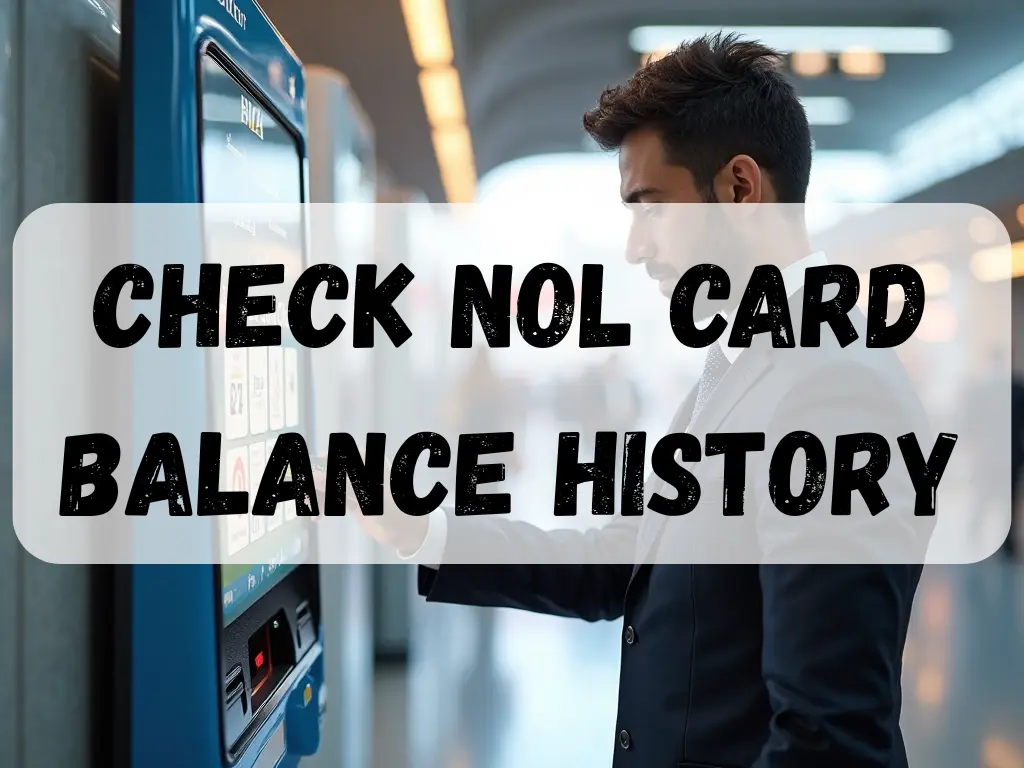
3. Check at RTA Ticket Vending Machines
You’ll find these machines across metro and bus stations.
Steps:
- Go to any RTA ticket vending machine.
- Insert or tap your NOL card.
- Follow the screen prompts.
- Your balance and history will be displayed.
This is a fast option if you’re already at a station.
4. Check at RTA Customer Service Offices
Prefer face to face assistance? You can visit an RTA ticket office.
Steps:
- Visit a ticket office at a Dubai metro station.
- Provide your NOL card to the staff.
- They’ll check and share your balance and history.
Great option if you also want help with any disputes or card issues.
5. Check via SMS
Yes, you can even check your NOL card using a simple text message.
Steps:
- Send an SMS to 5111.
- Type your NOL card number in the message.
- Receive a reply with your current balance.
Note: SMS history check may only show balance, not full transaction log.
6. Check at RTA Kiosks
Kiosks are available at metro stations, bus stops, and malls.
Steps:
- Tap your NOL card on the kiosk reader.
- Choose Check Balance/History.
- View your recent activity right there.
How to Understand Your Balance History
When you view your NOL card history, you’ll typically see:
- Date of transaction – When it happened.
- Amount deducted – The fare or purchase cost.
- Location/Mode – Metro, bus, tram, or retailer name.
- Top-up details – When you recharged and how much.
By reviewing these details, you’ll always know where your money is going and stay in control and you can easily recharge your NOL Card if the balance is low.
Final Thoughts
Checking your NOL card balance and transaction history regularly ensures that you never get stuck at a metro gate or bus stop with insufficient funds.
Whether you use the RTA website, mobile app, ticket machines, kiosks, SMS, or customer service, each method is designed for convenience.
So, the next time you travel around Dubai, you’ll have peace of mind knowing your NOL card is topped up and ready to go.